THE KEEPERS
Keep the best.
Let the extras go.
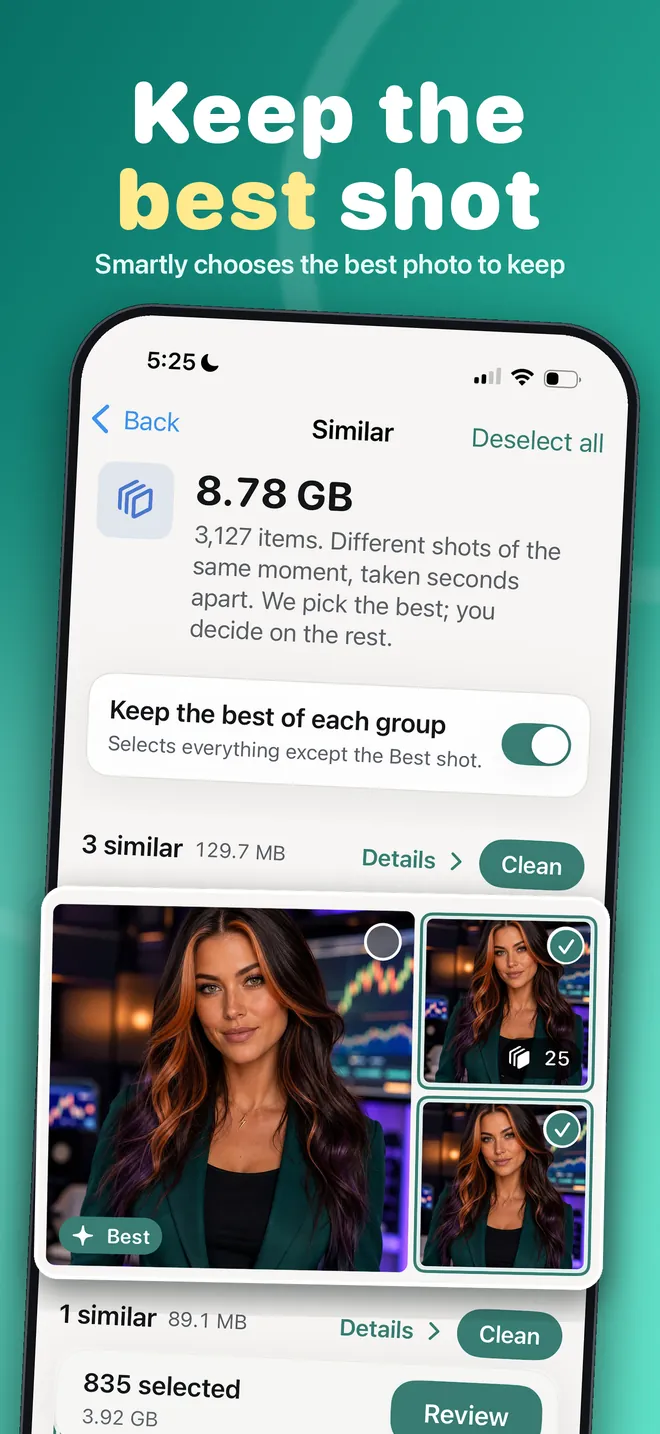
Similar shots. Exact duplicates. Sweep smartly picks the best shot to keep. Change the pick whenever you like.
 Sweepby TektrifyJoin the waitlist
COMING SOON FOR IPHONE
Keep the memories. Clear the extras.
Sweep smartly finds what you can let go.
40% OFF your first yearfor the early-access list
40% off your first year of the annual plan, for people on the list before launch. We email the code on launch day.
On your iPhone. Under your control.
A real clean-out. A real iPhone.
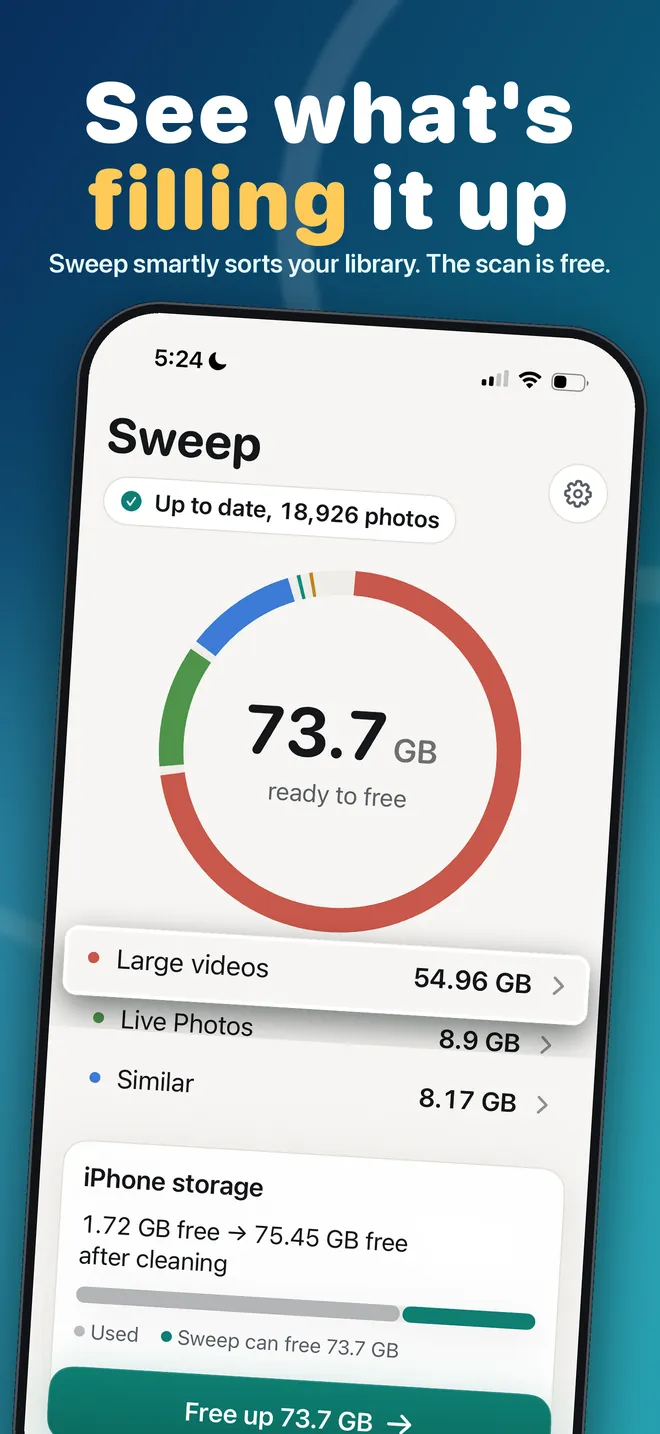
THE SPACE WAS THERE ALL ALONG
One real iPhone. Your numbers will differ.
found
photos scanned
1.72 GB 75.45 GB
Space is recovered after Recently Deleted is emptied. Emptying it ends your chance to undo.
A CAMERA ROLL. A FRESH START.
Similar shots, duplicates, old screenshots, Live Photos and large videos.
Sweep brings the clear-out together. You make the calls.
THE KEEPERS
Similar shots. Exact duplicates. Sweep smartly picks the best shot to keep. Change the pick whenever you like.
THE BIG CLEAR-OUT
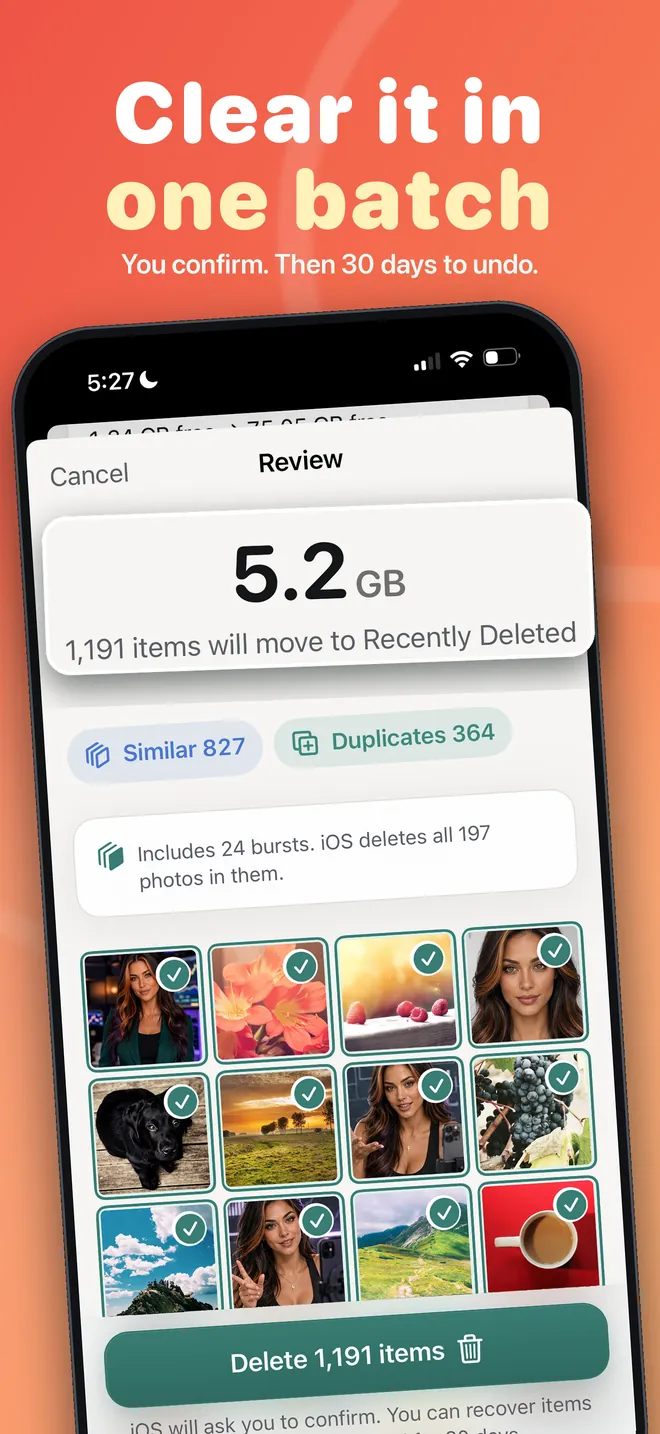
Skip the photo-by-photo delete routine. Select in batches, review everything, then delete when you’re ready.
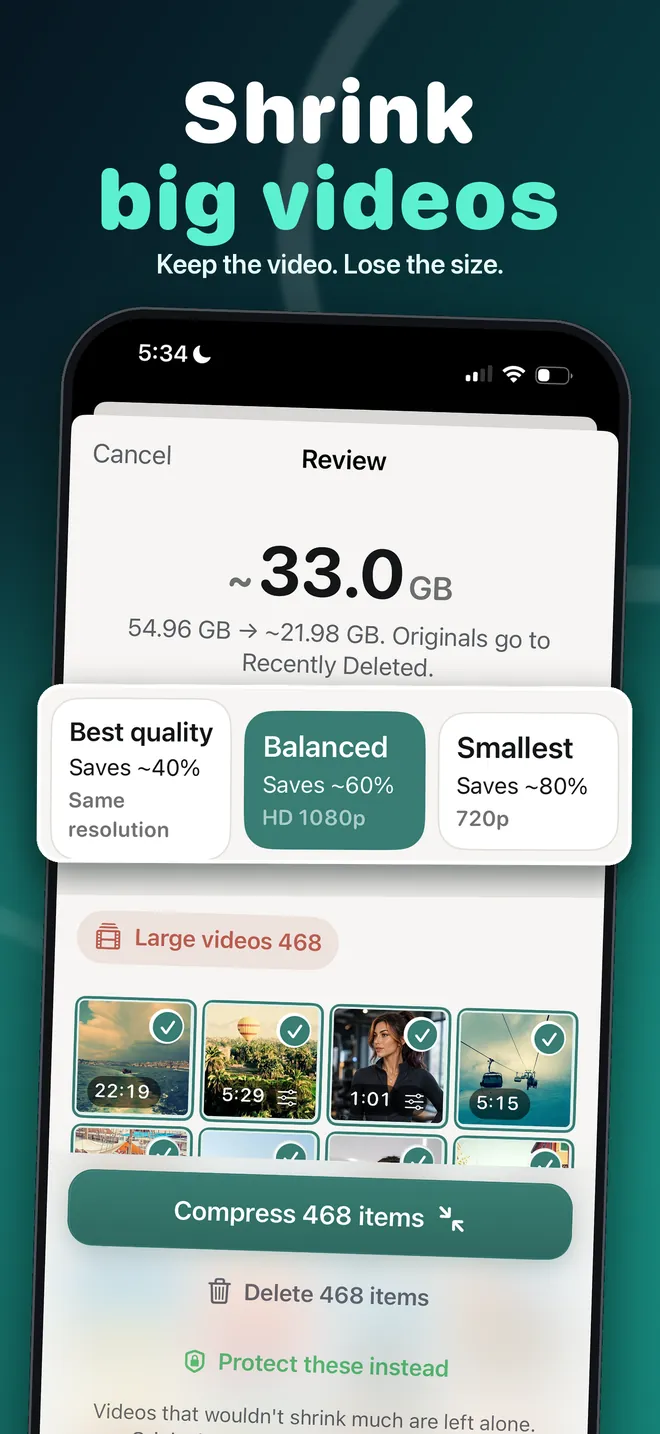
LESS WEIGHT. SAME MOMENT.
Make a smaller copy on your iPhone. Your original stays until you review and confirm its deletion.
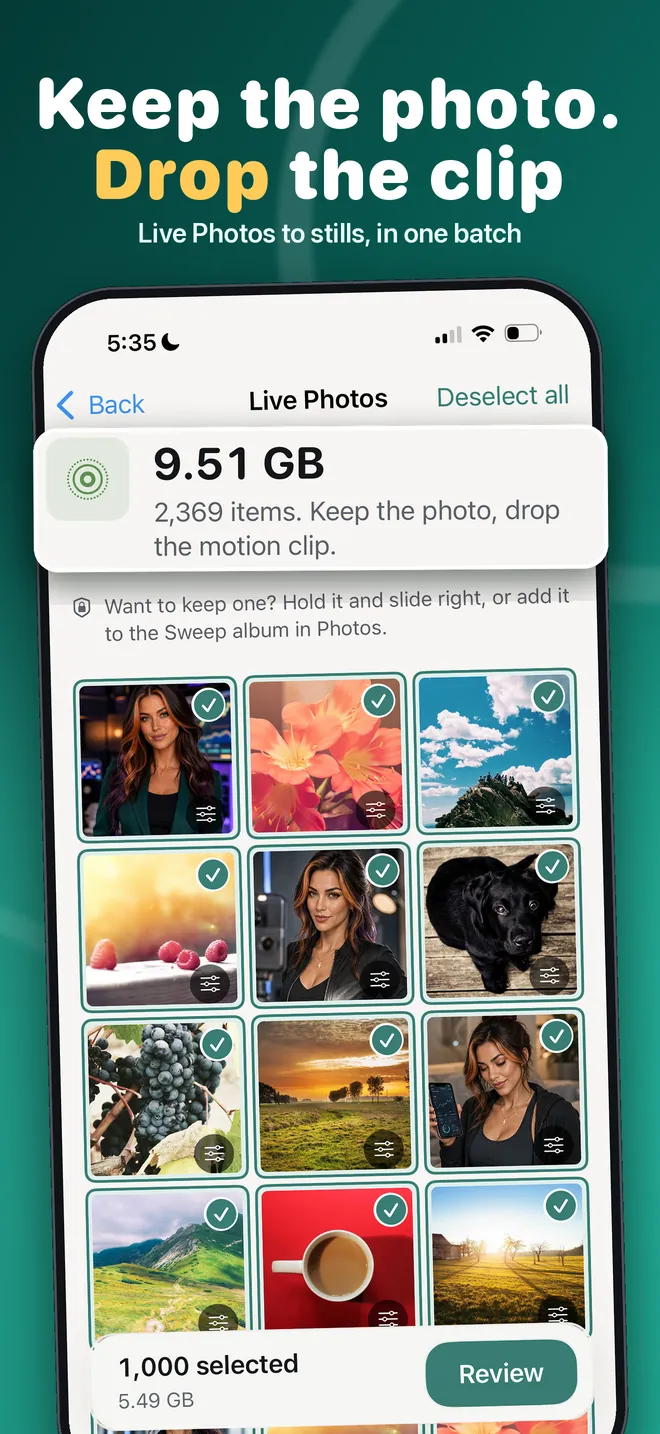
KEEP THE FRAME
Love the photo, don’t need the motion? Keep the still and review before removing the Live Photo original.
YOUR CALL
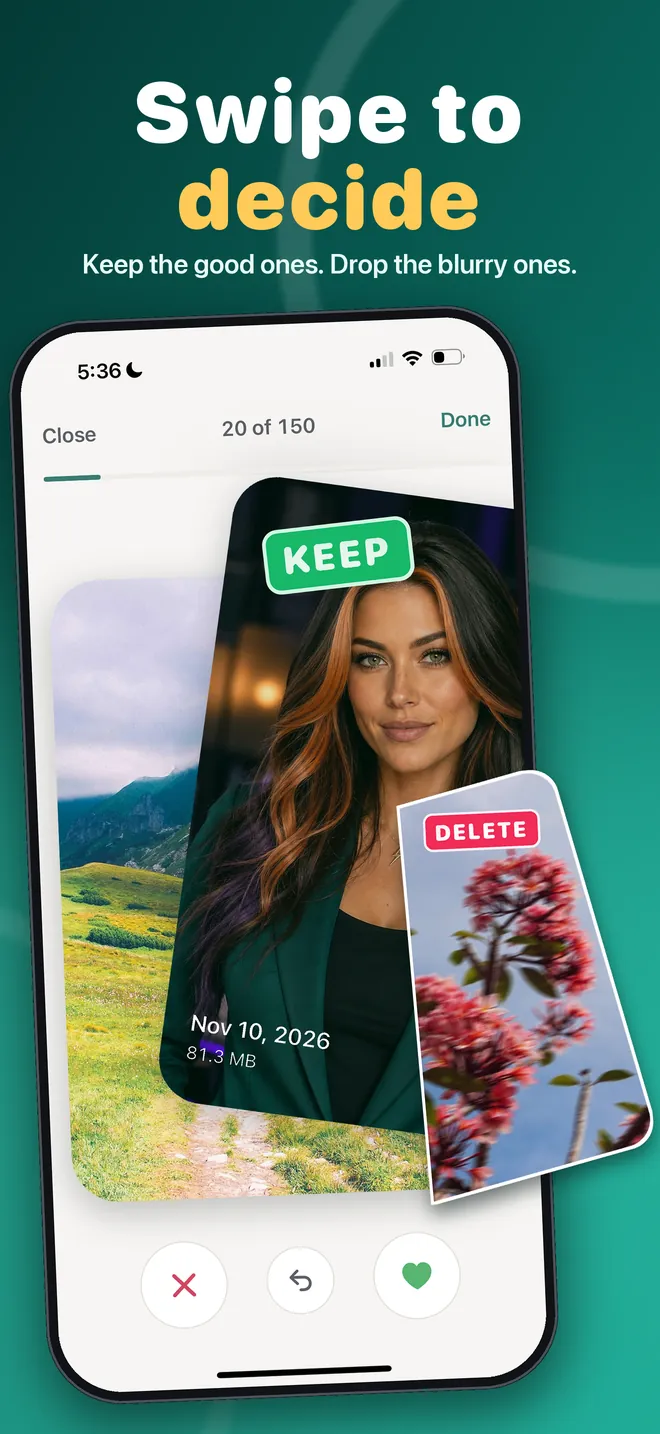
Keep or remove, one photo at a time. Your choices go to review before anything is deleted.
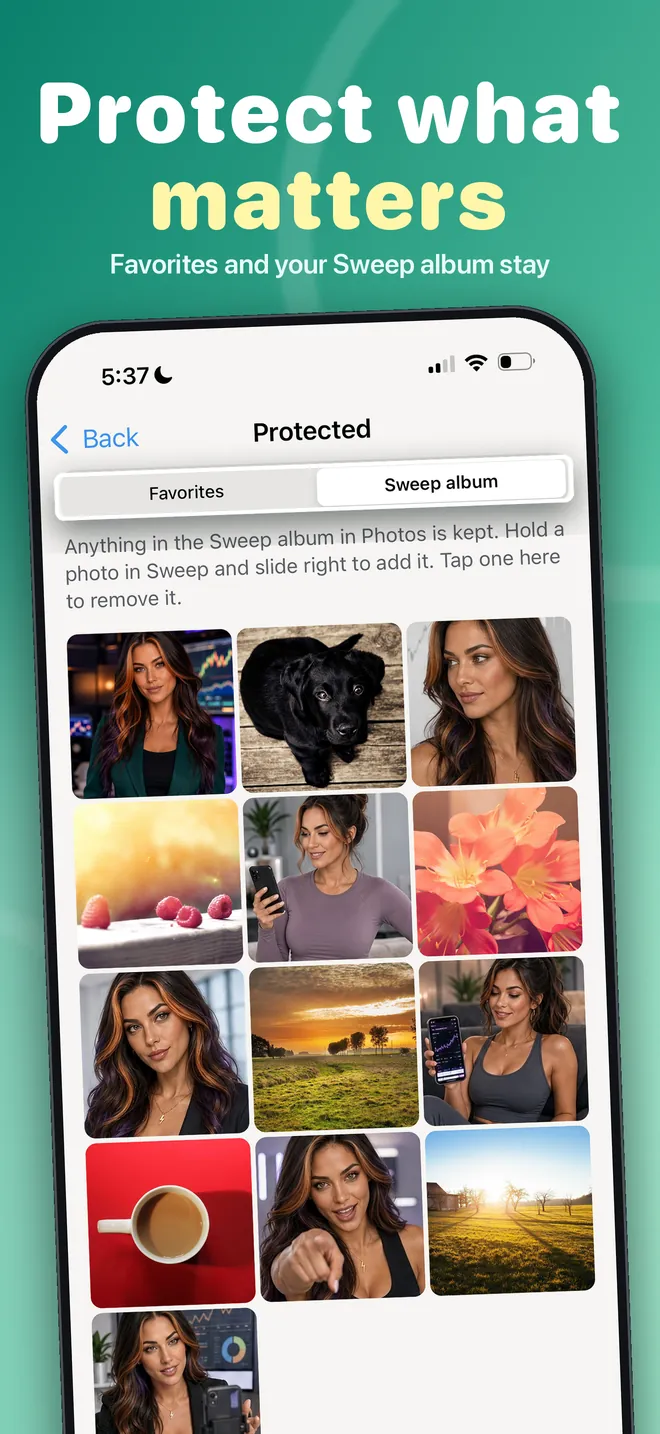
SOME THINGS STAY
Keep your favorites out of the clear-out. Sweep remembers the photos you choose to keep.
YOUR MEMORIES ARE NOT A TRADE-OFF
A cleaner you can feel good about letting into your camera roll.
Your photos stay yours. Scanning and processing happen on your device.
No surprises. Nothing is deleted without your review and confirmation.
Recover items from Recently Deleted in Photos. Empty it yourself only when you’re sure.
See what Sweep finds. Estimates are marked with ~. The scan and the results are free.
Your camera roll is personal. It stays that way.
SAW THE VIDEO? START HERE.
Start with similar shots and duplicates. Review a batch instead of your entire camera roll.
More cloud storage doesn’t add physical space to your iPhone. Review the extras already on your phone.
Before you give up an app you love, see what your photos and videos are taking up.
GOOD QUESTIONS
You choose what goes. Sweep smartly picks the best shot to keep, and you can change that pick. Review your selection before you delete. If iCloud Photos is on, deletion also applies to iCloud and your other devices.
The scan and the results are free. You can see what Sweep finds before any upgrade. Cleaning has free limits, with optional paid access for more. Joining the waitlist is free.
Sweep is not released yet. We do not have a launch date to share. Join the list for one email on launch day, with the App Store link and the early-access discount.
Yes. Sweep is built for iPhone. There is no Android version announced.
Deleted photos and videos go to Recently Deleted in Photos for 30 days. You can recover them there. To free the space immediately, you must empty Recently Deleted yourself. Emptying it ends your chance to undo.
Sweep scans and processes your photos and videos entirely on your iPhone. Your photos are never uploaded. The website waitlist stores only your email and signup details.
Use the one-click unsubscribe link in any Sweep email, including the confirmation email. We remove your email and signup details from the list.
YOUR NEXT PHOTO DESERVES THE SPACE
40% OFF your first yearfor the early-access list
40% off your first year of the annual plan, for people on the list before launch. We email the code on launch day.